Kansolendar
Your days, on your computer.
A native Mac calendar that saves your plans to a file you control. No account to create. No cloud to configure.
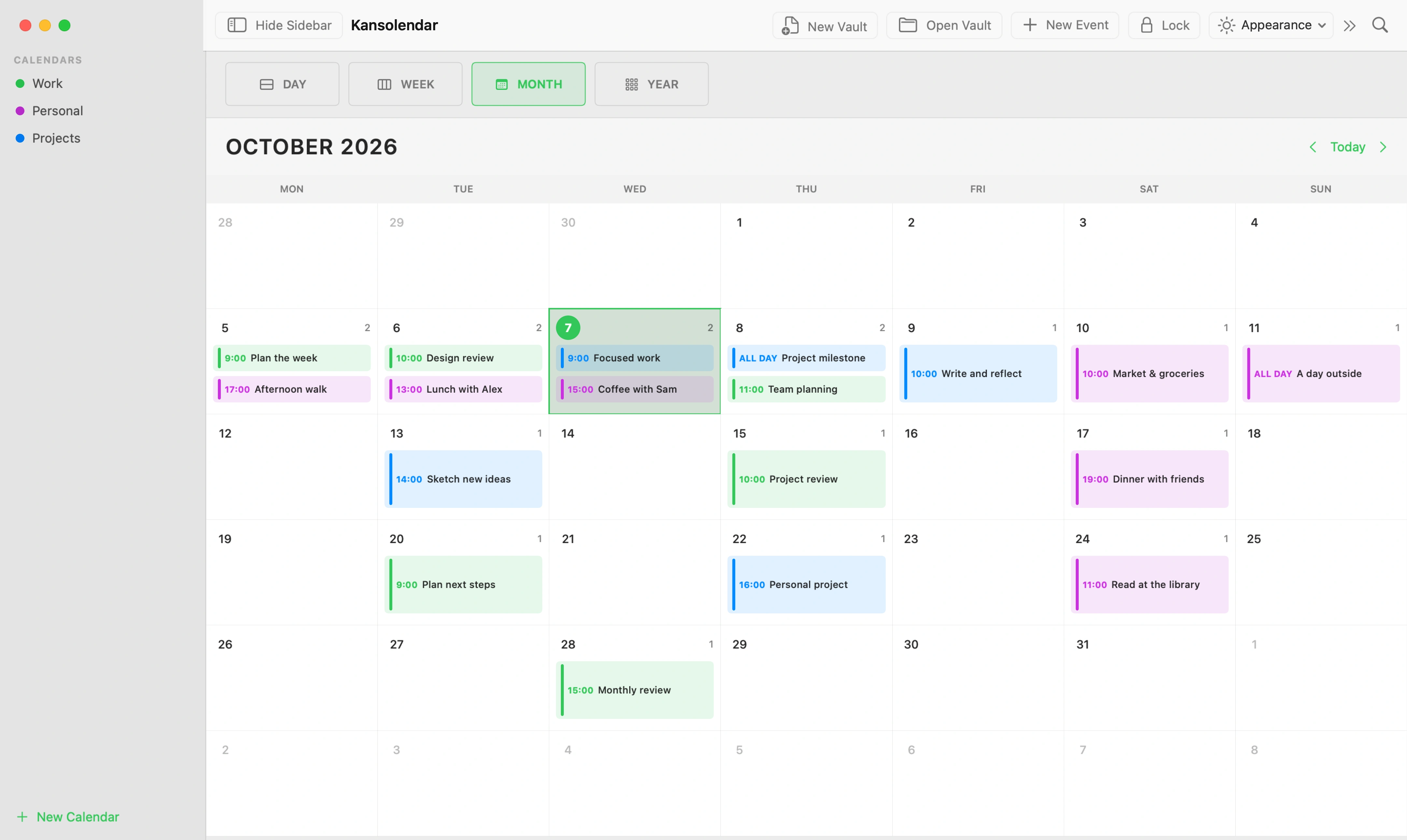
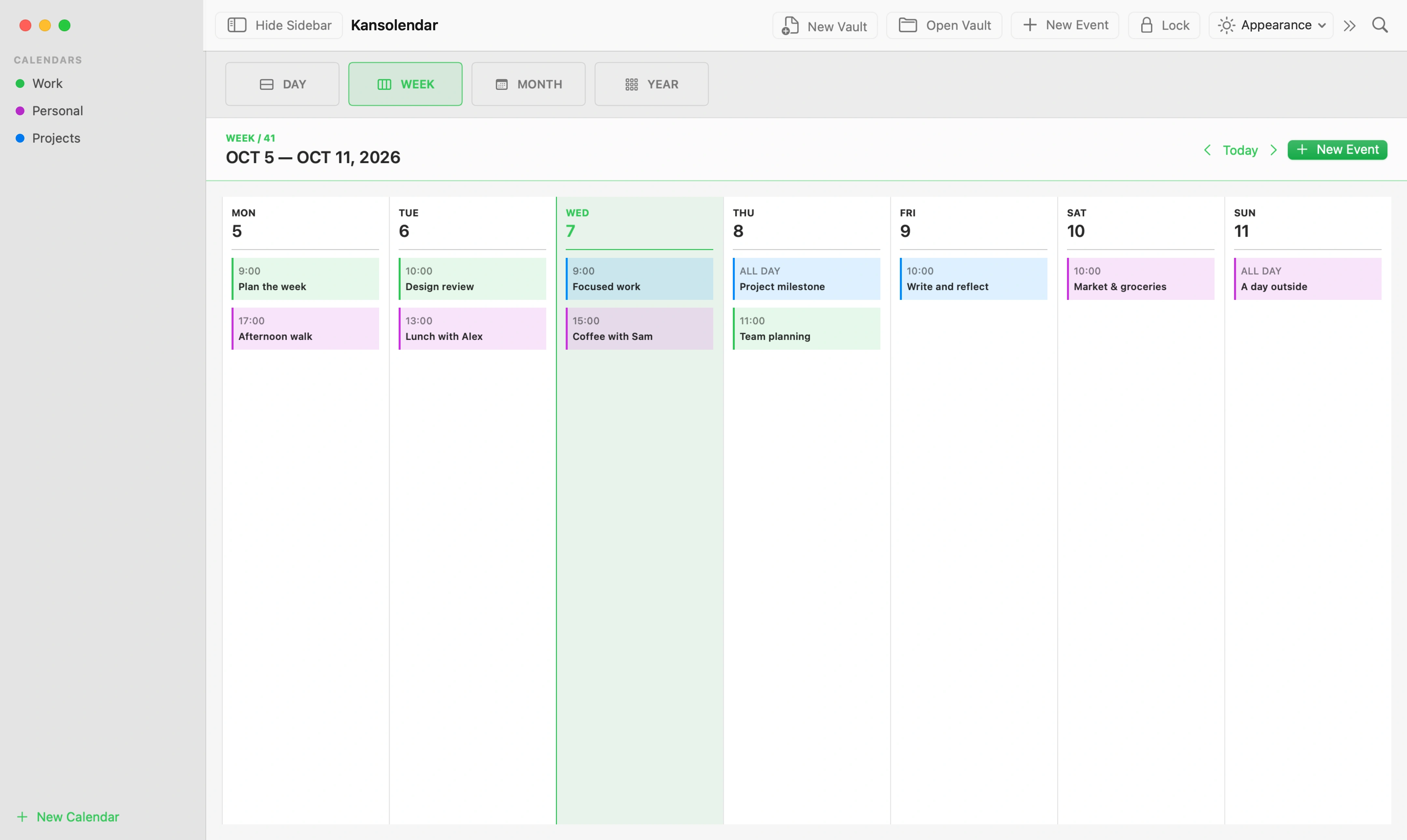
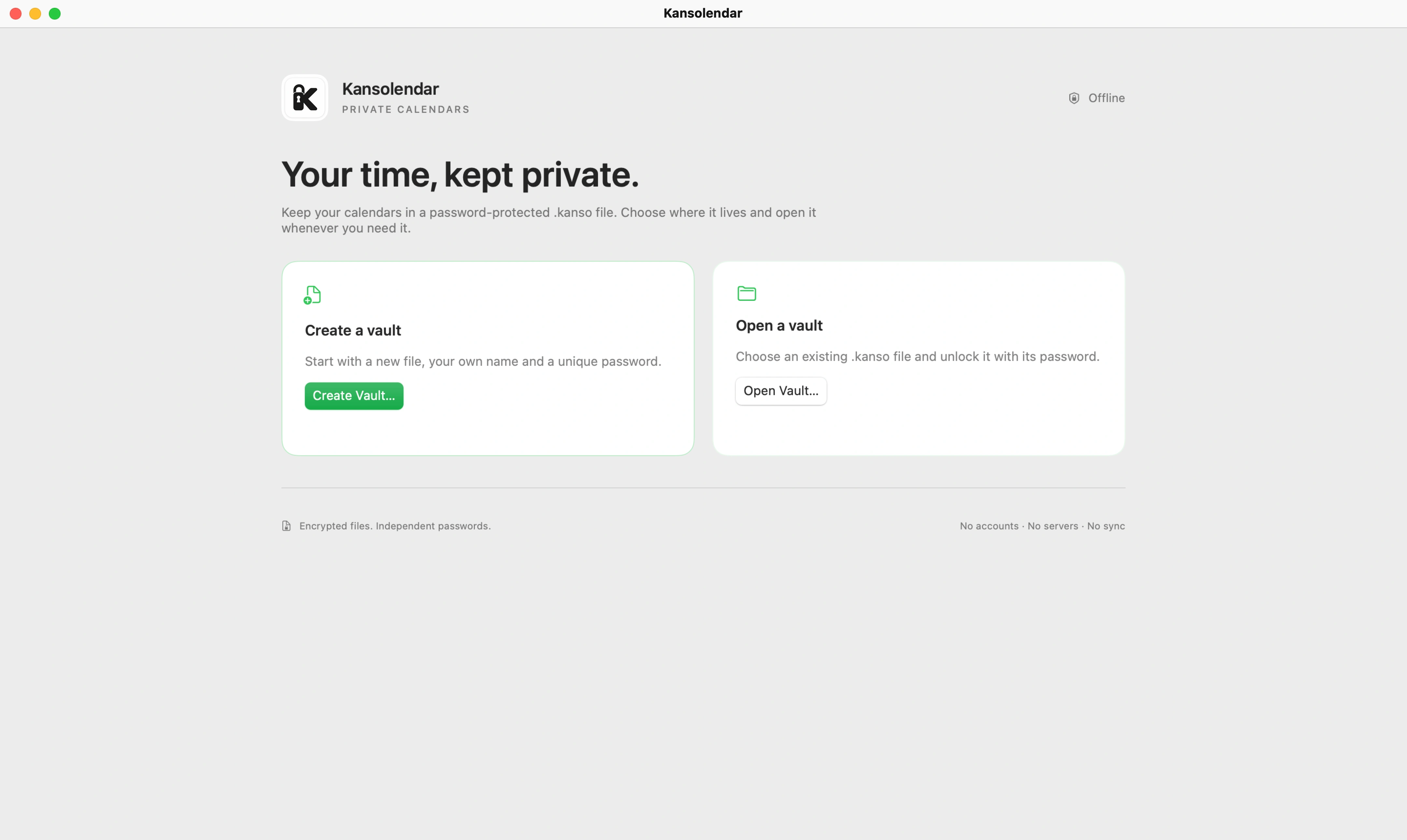
A calendar that saves to a file.
Give your plans a place on your Mac. Open it when you need it. Close it when you’re done.
- Views
- Day, week, month and year. The same calendar, at a different scale.
- Organization
- Separate calendars, colors, title search, timed and all-day events, notes and places.
- Files
- Independent .kanso files. Each has its own calendars, events and password.
- Privacy
- AES-256-GCM encryption for saved content. No accounts, app analytics or app-managed sync.
File names, sizes and timestamps remain visible. Encryption at rest does not protect an unlocked session.
Read the app privacy guideOne file. Your password.
Choose a name and a location. Keep separate files for whatever you need. Kansolendar does not upload or merge them.
- Encryption
- AES-256-GCM
- Password
- 15+ characters
- Location
- You choose
Keep your password safe. There is no reset or recovery service.
Before you download.
Which Macs are supported?
Apple Silicon (M1 or later), running macOS 14 or later. Intel Macs are not supported.
Does it need the internet?
Not to use the app. Downloads and external links need a connection. Calendar use is local and offline.
What if I lose my password?
There is no reset or recovery. Keep a long, unique password in a password manager. Apple Passwords saving is manual; Touch ID unlock is not available.
Can I import other calendars?
Only the current .kanso format is supported. External imports, older formats and a complete recurring-event editor are outside the current scope.
The Kanso philosophy.
Kanso is a Japanese aesthetic principle of simplicity: leaving out what is unnecessary. Kansolendar applies that idea to everyday planning.
Read about KansoYour plans come first.
Day, week, month and year views keep the focus on your schedule. Events, notes and places are there when you need them.
Fewer things to manage.
No account to create or app-managed cloud sync to set up. Calendar use stays local and works offline.
A file you control.
Choose where your .kanso files live. Each keeps its own calendars, events and password, so your plans have a clear home.
Put it on your Mac.
Get the latest releaseApple Silicon · macOS 14 or later
Installation guideChoose the .dmg asset. The app uses ad hoc signing and is not notarized by Apple.
Support Kansolendar.
Kansolendar is free to use. Your support helps fund ongoing development and maintenance.
Contributions are optional. You can also help by sharing the app or contributing code.